
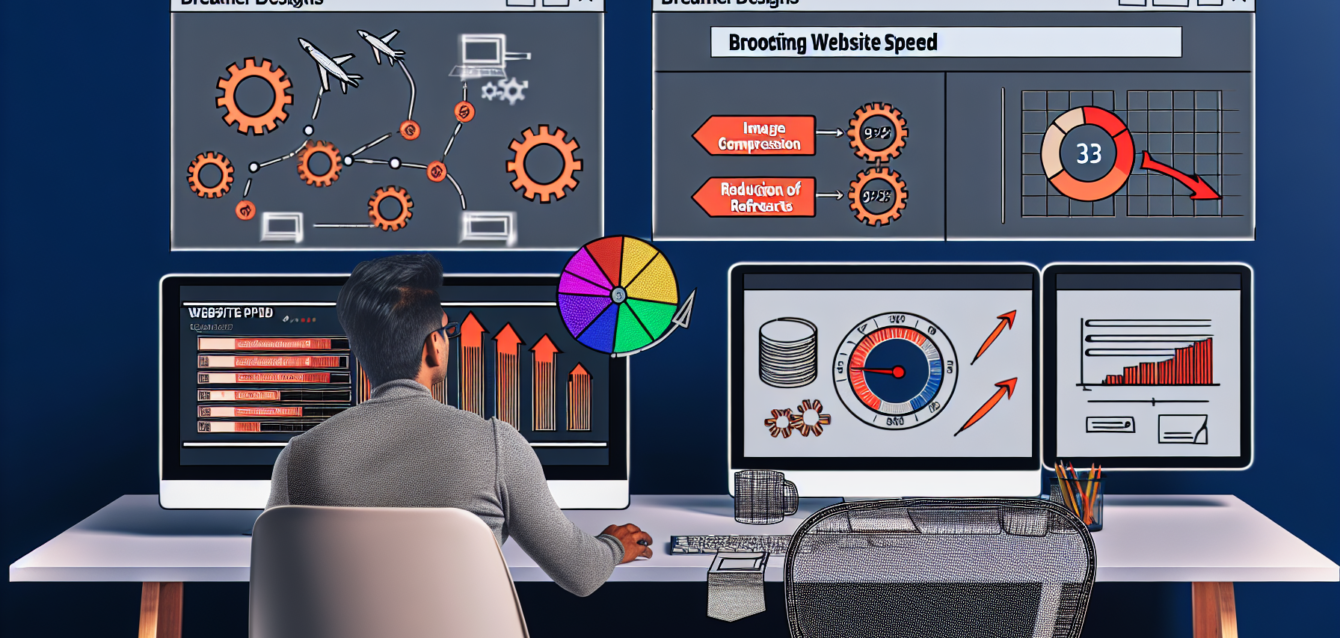
When building a website, speed and performance are crucial. For businesses like The Dreamer Designs a visually appealing site isn’t enough; it must also load quickly and function seamlessly. This report will discuss essential strategies for optimizing speed and performance on Unbounce, a popular landing page platform.
Understanding the Importance of Speed
In today’s fast-paced digital landscape, users expect instant gratification. A delay of just a few seconds can dramatically increase bounce rates and result in lost conversions. Research has shown that a one-second delay can lead to a 7% reduction in conversions. As a creative brand dedicated to dreamers and innovators, The Dreamer Designs needs a site that reflects its commitment to quality and efficiency.
Optimize Page Load Times
One of the primary factors influencing speed is page load time. To enhance load times on your Unbounce pages, consider the following strategies:
1. Image Compression: High-quality images are essential, but oversized files can slow your site down. Use tools to compress images without sacrificing quality, ensuring that visuals remain sharp while reducing load times.
2. Reduce Redirects: Each redirect introduces additional requests to the server, slowing down page loading. Minimize the use of redirects to speed up the user experience.
3. Leverage Browser Caching: Enable browser caching to store static files on user devices. This will significantly decrease load times for returning visitors, enhancing their experience on The Dreamer Designs.
Streamline Your Design
The design of your site can have a major impact on performance. Simple, streamlined designs typically load faster than those loaded with animations and complex visuals. Consider the following design tips:
1. Limit Fonts and Scripts: Each font and script added to your landing page can slow down performance. Stick to a few essential fonts and limit the number of scripts to keep load times low.
2. Use Minimalistic Design Elements: While appealing visuals are important, overly complex designs can hinder performance. Focus on a clean, straightforward layout that emphasizes your content.
3. Prioritize Above-the-Fold Content: Ensure that critical content is visible without scrolling, as this will improve perceived load speed and keep users engaged longer.
Utilize Unbounce Features
Unbounce provides several built-in features to enhance speed and performance:
1. Smart Traffic: By using Smart Traffic, you can automatically direct visitors to the best-performing variations of your landing pages. This can lead to improved conversion rates and decreased loading time on poorly performing variations.
2. AMP Pages: Accelerated Mobile Pages (AMP) offer a streamlined version of your landing pages for mobile users. Implementing AMP can significantly improve load times and user experience.
3. Integrate with Speed Test Tools: Utilize speed test tools like Google PageSpeed Insights or GTmetrix to analyze and monitor your landing page performance continuously.
Regular Monitoring and Adjustments
Performance optimization is not a one-time task. Regularly monitor the performance of your landing pages to identify areas for improvement. The digital landscape changes rapidly, and continuous optimization ensures that The Dreamer Designs stays ahead of the curve and maintains an optimal user experience.
By prioritizing speed and performance, The Dreamer Designs can create a seamless experience that resonates with its audience, driving engagement and conversions. Implement these strategies and watch your performance soar.
#Unbounce #PageSpeed #PerformanceOptimization #LandingPages #DigitalMarketing #UserExperience