Confetti in Unbounce on Form Submission: Celebrating Success with Every Submission!
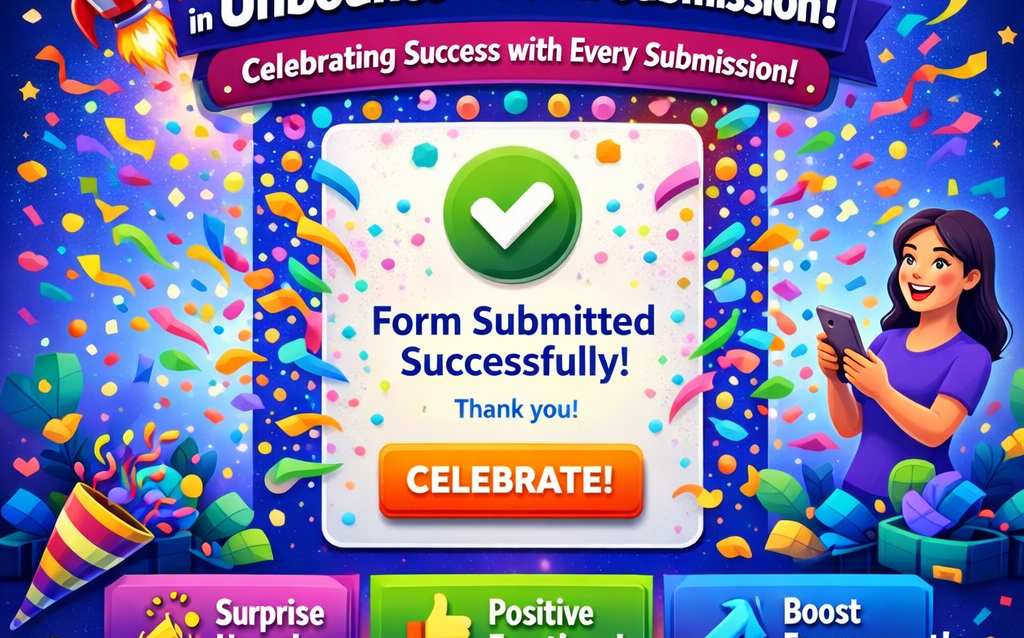
At The Dreamer Designs, we believe that every small victory deserves to be celebrated, and what better way to acknowledge the moment when a user successfully submits a form than with a joyful burst of confetti? Integrating confetti effects into your Unbounce forms can bring an element of fun and excitement to the user experience. In this blog post, we’ll discuss how to implement a confetti effect in your Unbounce forms on The Dreamer Designs, enhancing user engagement and encouraging further interactions.
Why Use Confetti?
Confetti is not just a decorative touch; it symbolizes joy and celebration. When users fill out a form, it often means they are taking a significant step, whether it’s signing up for a newsletter, downloading a resource, or requesting more information about your services. Adding confetti to the submission process helps create a positive emotion associated with your brand and leaves users with a memorable experience.
How to Add Confetti to Your Unbounce Forms
Adding confetti to your Unbounce forms is simple! Here’s a step-by-step guide to getting you started:
Step 1: Choose Your Confetti Library
Several JavaScript libraries can create beautiful confetti animations. One popular choice is `canvas-confetti`, known for its ease of use and customizability. Visit the GitHub page and include the library in your project.
Step 2: Implement the Code
To add the confetti effect upon form submission, integrate the following JavaScript snippet within your Unbounce form’s custom script:
“`javascript
// Include the canvas-confetti library
function celebrate() {
var count = 200; // Number of confetti pieces
var defaults = {
origin: {
y: Math.random() – 0.2
}
};
function fire(particleRatio) {
confetti(Object.assign({}, defaults, {
particleCount: Math.floor(count * particleRatio)
}));
}
fire(0.25);
fire(0.25);
fire(0.5);
}
// Triggering confetti upon form submission
document.getElementById(“your-form-id”).addEventListener(“submit”, function(event) {
event.preventDefault(); // Prevent the default form submission
celebrate(); // Call the confetti function
// Continue with the form submission process
});
“`
Replace “your-form-id” with the actual ID of your form. This script will create a confetti celebration whenever the form is submitted.
Step 3: Test It Out!
Once you have implemented the confetti effect, take time to test it out! Ensure that the animation enhances the user experience without causing distractions. You want your users to feel uplifted and celebrated without overshadowing the intent of the form submission.
Create a Lasting Impression
Incorporating a confetti effect into your Unbounce form submission process is an easy way to improve user engagement and create a delightful experience. At The Dreamer Designs, we strive to make every interaction enjoyable for our users, enhancing your brand’s personality while encouraging more submissions. It’s these small touches that can turn a simple form into a celebratory moment!
Let your users celebrate their achievements with you. Start adding confetti to your forms, and watch as your conversion rates climb while your audience smiles!
Join the Celebration!
Let us know how you implemented the confetti effect in your forms or share your thoughts in the comments. Be sure to explore more innovative design ideas and web solutions at The Dreamer Designs.
#Confetti #WebDesign #UserExperience #FormSubmission #Unbounce #CreativeWebSolutions #WebDevelopment #TheDreamerDesigns #CelebrateSuccess #Javascript #CanvasConfetti