
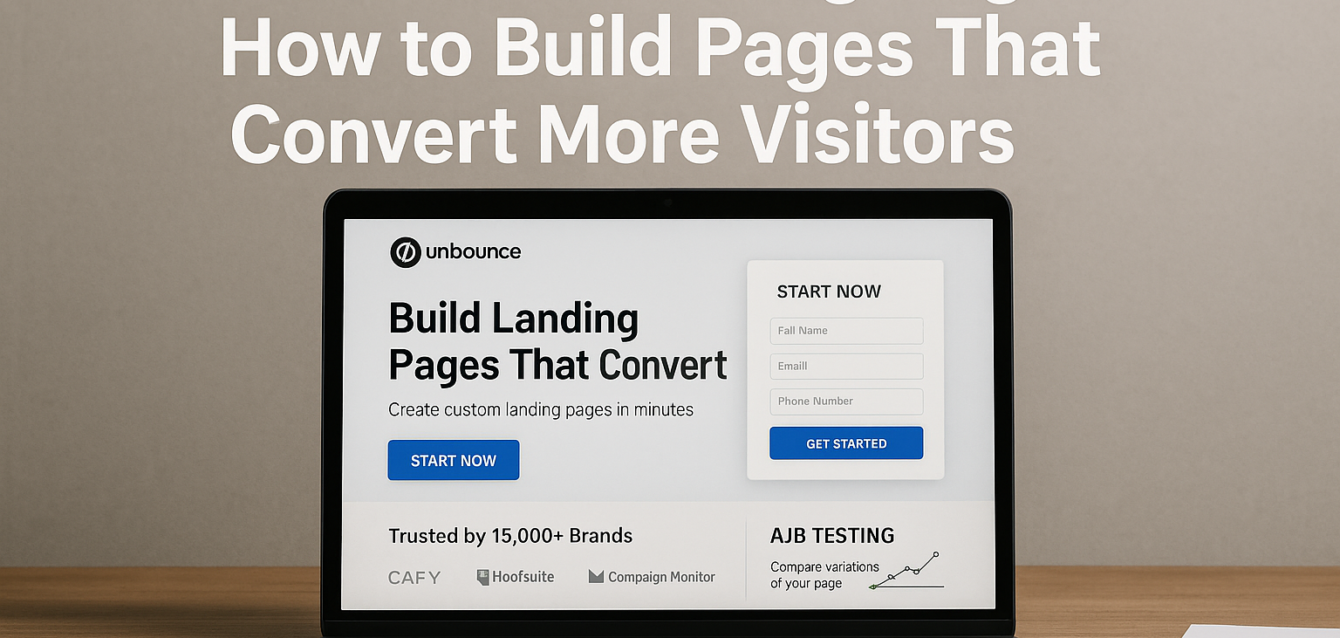
An Unbounce landing page gives marketers a focused environment for turning paid and organic traffic into leads, trials, bookings, or sales. But simply building a page in Unbounce does not guarantee conversions. The strongest results come from combining the platform’s features with a disciplined conversion rate optimization strategy.
Unbounce currently offers a drag-and-drop landing page builder, customizable templates, multi-step forms, Dynamic Text Replacement, A/B testing, popups, sticky bars, reporting, and Smart Traffic.
In our analysis of 200+ landing pages, we found that underperformance usually comes from several smaller conversion leaks working together: weak message match, unclear headlines, hidden calls to action, poor mobile optimization, missing trust signals, slow page speed, and form friction.
Before creating another variation, run a free audit to identify which problems deserve attention first.
The best Unbounce landing page is not the page with the most features. It is the page that makes the visitor’s next decision simple.
What Is an Unbounce Landing Page?
An Unbounce landing page is a campaign-focused web page created with Unbounce’s landing page builder to generate a specific conversion. Unlike a traditional website page with several navigation paths, a landing page typically focuses visitors on one primary action.
That action might be:
Requesting a demo
Booking a consultation
Downloading an ebook
Starting a free trial
Registering for a webinar
Purchasing an offer
Joining a waitlist
Unbounce’s current platform allows marketers to create responsive pages without writing code while still supporting custom scripts when greater flexibility is required. It also offers more than 100 customizable templates according to its current product information.
This makes Unbounce particularly useful for lead generation and paid marketing campaigns where speed and message match matter.
The page builder provides the infrastructure.
Conversion rate optimization determines whether the page actually performs.
Build Every Unbounce Landing Page Around One Conversion Goal
A high-performing Unbounce landing page should make one primary action obvious. Multiple competing offers force visitors to decide where to go instead of helping them decide whether to convert.
Before opening the Unbounce landing page builder, define the conversion.
Ask:
“What is the single most valuable action this visitor should take?”
Then evaluate every section according to whether it supports that action.
If your goal is booking a demo, a prominent newsletter signup can become a distraction. If your goal is selling a specific product, sending visitors to unrelated categories can interrupt the conversion funnel.
This does not mean you can only use one button.
A long landing page can repeat the same call to action several times. The important distinction is that those buttons should lead toward the same conversion objective.
At The Dreamer Designs, this is part of The Dreamer Designs 8-Point CRO Audit Framework, which examines headline clarity, above the fold experience, CTA visibility, page speed, mobile optimization, trust signals, form friction, and user behavior.
For campaigns that need a stronger conversion structure from the beginning, our landing page design service combines CRO strategy with custom implementation.
Strengthen Message Match From Ad to Landing Page
Message match means continuing the promise made before the click after the visitor reaches your landing page. Strong message match reduces confusion and reassures visitors that they arrived at the right destination.
Imagine a Google Ad promising:
“Free Landing Page Conversion Audit”
If the destination headline says:
“Digital Experiences Built for Growth”
the visitor has to determine whether the page actually contains the promised audit.
A stronger headline would say:
“Get Your Free Landing Page Conversion Audit”
The ad, headline, supporting copy, and call to action now tell one consistent story.
Unbounce provides Dynamic Text Replacement, which can substitute landing-page copy based on paid search terms. The company positions this capability specifically around improving relevance between PPC campaigns and landing-page messaging.
Dynamic Text Replacement can be useful, but personalization should never produce unnatural copy.
Clarity matters more than inserting every possible keyword.
Make the Above-the-Fold Experience Immediately Clear
The area above the fold should tell visitors what the offer is, why it matters, and what they should do next. If the visitor must scroll to understand the basic value proposition, the page is making the conversion journey unnecessarily difficult.
A strong Unbounce hero usually includes:
Clear headline
Benefit-focused subheadline
Relevant image or product visual
Primary call to action
Immediate social proof or trust signal
Avoid filling the first screen with lengthy company information.
Visitors arriving from a campaign usually want to know whether the page solves the problem that motivated their click.
For a SaaS campaign, that may mean showing the product benefit and demo CTA immediately.
For Shopify ecommerce traffic, it might mean showing the product, price, reviews, and purchase action.
For a service business, it could be the expected outcome and consultation CTA.
Headline testing is often one of the most valuable experiments because every visitor encounters the headline before moving deeper into the page.
Write Calls to Action Around Visitor Value
A call to action should explain what visitors receive rather than merely describing the technical action they are taking. “Submit” communicates a button function. “Get My Free Audit” communicates an outcome.
Other examples include:
Start My Free Trial
Book My Strategy Call
Get My Quote
Download My Guide
See My Results
CTA optimization should also consider placement, contrast, surrounding copy, mobile visibility, and the perceived commitment of the action.
A CTA asking someone to “Buy Now” creates a different psychological commitment from “See Plans.”
Neither is automatically better.
The correct wording depends on the stage of the conversion funnel and what the visitor expects.
If your page receives healthy traffic but weak call to action engagement, our CRO platform can help identify issues beyond the button itself.
Reduce Form Friction Without Sacrificing Lead Quality
An Unbounce form should collect enough information to support the next business step without asking visitors for details your team does not yet need. Every additional field creates effort and potentially increases form friction.
For a simple downloadable guide, you may need only:
First name
Email address
A B2B demo request may reasonably require company name or company size.
Unbounce currently supports multi-step forms designed to break longer forms into shorter, focused stages.
That can make a complex process feel more manageable, but dividing ten unnecessary questions across three screens does not remove the underlying friction.
Review each field and ask:
“Will someone use this information immediately?”
If the answer is no, consider collecting it later.
Form usability is particularly important for mobile optimization. Long dropdowns, tiny fields, difficult validation, and excessive typing can turn a reasonable desktop form into a frustrating mobile experience.
Add Social Proof Where Visitors Need Reassurance
Trust signals work best close to the decisions where visitors may hesitate. Do not treat testimonials and client logos as decorative content that simply fills empty sections.
Use proof to answer objections.
If prospects question results, show a case study outcome.
If they question credibility, show recognizable customers.
If ecommerce buyers worry about quality, display product reviews.
If visitors worry about risk, explain your guarantee.
Useful trust signals include:
Customer testimonials
Client logos
Ratings and reviews
Case studies
Awards
Guarantees
Security information
Industry certifications
Place social proof near important calls to action rather than forcing visitors to search for reassurance.
A strong Unbounce landing page optimization strategy builds trust throughout the customer journey instead of relying on one testimonial section near the bottom.
Protect Page Speed as Your Unbounce Page Evolves
Page speed is part of CRO because a visitor cannot respond to your offer if the page takes too long to become usable. Landing pages often become heavier over time as marketing teams add more tools and content.
Common causes include:
Oversized hero images
Background video
Analytics scripts
Advertising pixels
Chat widgets
Heatmap software
Multiple custom fonts
Animation libraries
Use Google PageSpeed Insights to evaluate performance and Core Web Vitals as your campaign changes.
Unbounce currently emphasizes performance and security as part of its landing-page feature set, but individual pages can still become heavier depending on the assets, scripts, and integrations marketers add.
Compress imagery before uploading it.
Remove tracking tools your team no longer uses.
Question whether every animation improves the conversion experience.
Pay special attention to mobile page speed, because testing exclusively on high-speed office Wi-Fi can hide the experience users have on cellular connections.
Use Heatmaps and Session Recordings Before Guessing
A heatmap and session recording can help explain user behavior that basic conversion reports cannot. Instead of debating internally about what visitors might be doing, study what they actually do.
Microsoft Clarity currently provides heatmaps that show clicks, scrolling, and drop-off alongside session recordings that reveal where users get stuck.
Look for patterns such as:
Visitors clicking non-interactive images
Low engagement with the primary CTA
Users never reaching important social proof
Repeated form errors
Mobile visitors abandoning early
Unexpected clicks on secondary elements
Clarity also allows marketers to connect heatmap behavior with individual recordings for deeper investigation.
Combine this information with Google Analytics 4.
Google Analytics 4 tells you what happened across the broader conversion funnel.
Behavioral tools help explain why it may have happened.
These observations should feed your A/B testing roadmap.
Use Unbounce A/B Testing to Validate CRO Ideas
Unbounce A/B testing allows marketers to create page variants and compare conversion outcomes instead of relying on preferences or internal opinions. The strongest experiments begin with a specific problem and a measurable hypothesis.
Unbounce currently offers no-code A/B testing, manual traffic allocation, server-side variant loading, reporting, and unlimited tests and page variants through its experimentation product.
A weak test might be:
“Let’s try a green button.”
A stronger hypothesis is:
“Visitors do not understand what they receive after clicking. Changing the CTA from ‘Submit’ to ‘Get My Free Analysis’ will increase completed forms.”
Prioritize experiments around:
Value proposition
Headline
Offer
CTA
Form structure
Social proof
Page layout
Split testing focused ideas generally makes learning easier.
Multivariate testing can be valuable for mature programs with enough traffic, but testing complexity should follow business need rather than become the goal itself.
Use Smart Traffic With Meaningful Page Variants
Unbounce Smart Traffic uses AI to route visitors toward the page variant it predicts is most likely to convert for people with similar attributes. This differs from traditional A/B testing, which is typically designed to identify an overall winner.
Current Unbounce documentation says Smart Traffic requires at least two page variants and enters a learning phase before automatically routing visitors toward variants.
Unbounce says the system analyzes contextual attributes including location and device information when determining routing.
Its current marketing material reports that marketers using Smart Traffic achieve 30% more sales and signups on average, although individual campaigns should not assume the same result.
The quality of your variants still matters.
Do not create three nearly identical pages simply to activate Smart Traffic.
Test meaningful differences such as:
Speed vs. cost-savings messaging
Product benefits vs. customer outcomes
Short vs. detailed persuasion
Different forms of social proof
Different audience-specific positioning
AI optimization is more useful when the underlying choices represent genuinely different ways of persuading visitors.
Use Popups and Exit Intent Carefully Unbounce supports popups and sticky bars with targeting based on actions, URLs, visitor location, traffic source, cookies, and other conditions.
These features can support conversions when used strategically.
Useful applications include:
Relevant limited offers
Secondary lead magnets
Promotional reminders
Returning-visitor messaging
Exit intent offers
But overlays should not compensate for a weak core landing page.
If the value proposition is confusing, the CTA is buried, or the form is difficult, displaying another offer simply adds another decision.
Fix the primary experience first. Then test whether a targeted popup genuinely improves results.
Apply the Dreamer Designs 8-Point CRO Audit Framework
The most effective Unbounce CRO strategy evaluates the entire experience instead of treating individual elements in isolation. Our Dreamer Designs 8-Point CRO Audit Framework gives marketers a repeatable structure.
We review:
Headline clarity
Above-the-fold experience
Call to action visibility
Page speed
Mobile optimization
Trust signals
Form friction
User behavior
In our analysis of 200+ landing pages, we found that conversion problems commonly appear across several areas simultaneously. A page can have an excellent headline but weak proof.
Another can have persuasive copy but poor mobile performance.
Another may look polished but have broken message match with its advertising that is why isolated best practices rarely produce a complete CRO strategy. If you need help translating audit findings into a complete campaign, our Unbounce landing page design service combines strategy, design, and implementation.
#Unbounce #Unbouncelandingpage #Unbouncelandingpagebuilder #Unbouncelandingpageoptimization #UnbounceA/Btesting #Unbounceconversionoptimization #Unbounceforms #Unbouncelandingpagedesign #Unbounceleadgeneration #Unbouncespecialist