If your website runs on PHP, this one is worth five minutes of your time today.
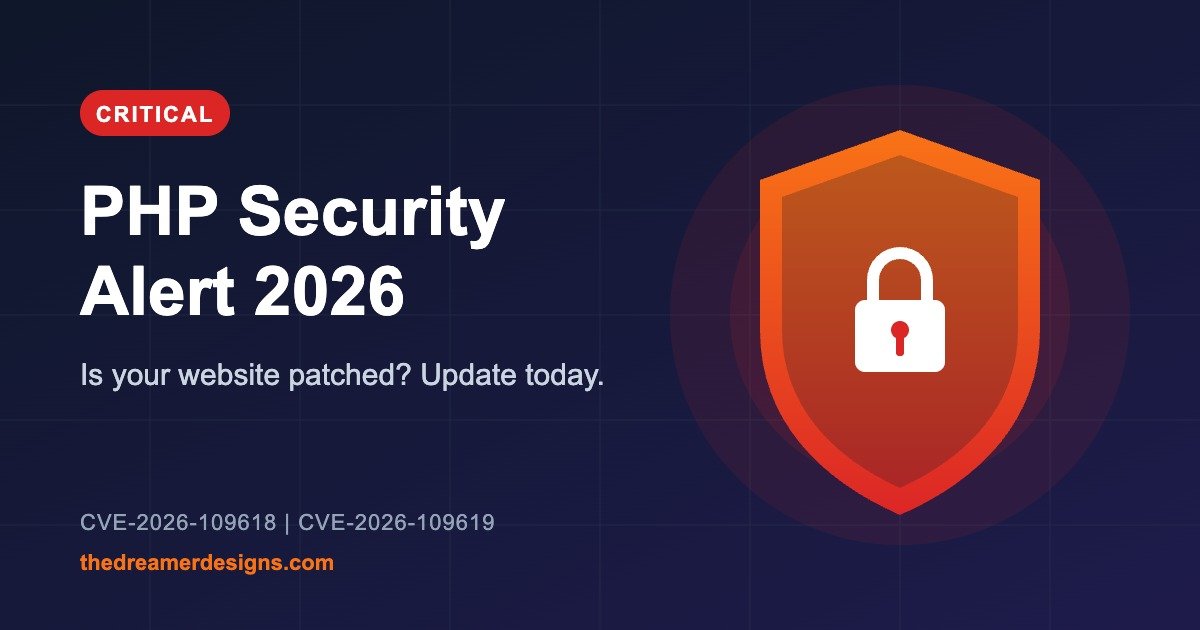
On 21 October 2026, the PHP project released urgent fixes for two serious security flaws, CVE-2026-109618 and CVE-2026-109619. Both are rated 9.2 out of 10 for severity, which puts them firmly in “critical” territory.
So what’s the actual risk?
The experts’ term for these flaws is “unauthenticated remote code execution.” In plain English:
- Unauthenticated: the attacker doesn’t need a username or password.
- Remote: they can attack from anywhere over the internet.
- Code execution: they may be able to make your server run their instructions.
It’s like a hidden back door that skips the front-desk ID check.
Depending on how your server is set up, an attacker could steal data, change your site’s content, knock it offline, or use it as a stepping stone to get deeper into your server. Not every attack will do all of that, and this doesn’t mean your site has been hacked. But an unpatched site is exposed, and it’s better to fix it before anyone tests that door.
Is my website affected?
If your site runs on PHP and hasn’t been updated since the release, assume yes until you’ve checked. That includes WordPress sites, online shops, blogs and business websites. The problem is in the server software, not in your design or content.
Which PHP version should I be on?
| If you use PHP… | Update to… |
|---|---|
| 8.5 | 8.5.12 |
| 8.4 | 8.4.27 |
| 8.3 | 8.3.36 |
| 8.2 | 8.2.35 |
| 8.1 or older | No official fix. Ask your host if they provide their own patch, or plan to move to a newer version. |
What to do, step by step
If you use shared hosting or a managed WordPress host: contact your provider and ask, “Has the October 21 PHP security update been applied to my account?” Many hosts roll out fixes themselves, so you may just need to confirm.
If you or your developer manage the server:
- Back up first. Save your files and database, or take a server snapshot.
- Check your PHP version. Make sure you check the version that actually serves your website, since servers sometimes run more than one.
- Install the update through your hosting panel or your operating system’s package manager.
- Restart PHP and the web server. This step is easy to forget, and without it the old code can keep running.
- Test your site. Check logins, forms and checkout.
- Look for anything odd. Watch for unfamiliar files, strange scheduled tasks or unusual traffic spikes.
One important warning
Patching closes the door, but it doesn’t undo anything that happened before you patched. If you notice anything suspicious, such as changed pages, unknown admin users or sudden slowness, bring in a security professional rather than hoping it goes away.
Also, updating WordPress plugins alone will not fix this. The flaw sits in PHP itself, one layer below your plugins.
The bigger lesson
Security updates are a regular part of running a website, like servicing a car. Keeping PHP, your CMS and your plugins updated, backing up regularly and keeping an eye on your site will protect you from most preventable attacks.
Not sure where your site stands?
You don’t have to figure this out alone. The team at The Dreamer Designs can help you check your setup, get your site updated safely and keep it running smoothly.