Building a landing page used to mean a brief, a designer, a developer and a few weeks of back and forth. In November 2026, Unbounce made a big bet that this process can start with a single prompt.
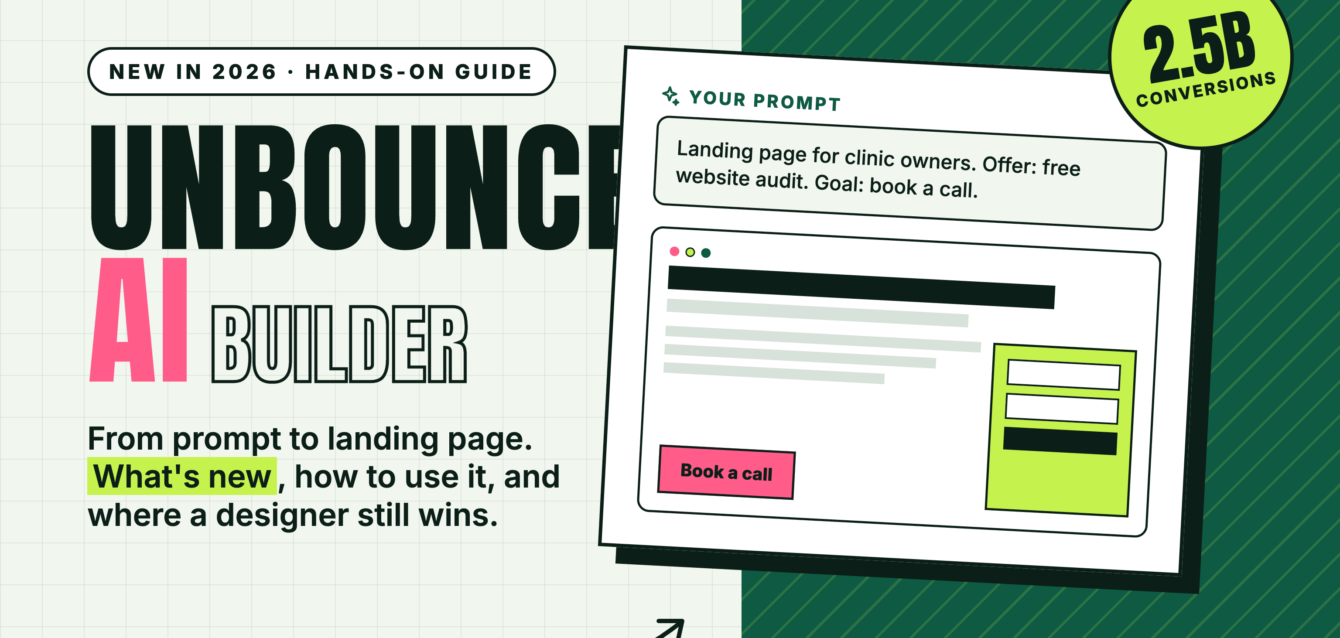
Unbounce has launched a new AI-powered landing page builder trained on insights from 2.5 billion landing page conversions. You describe your audience, offer and goal, and Unbounce AI generates an editable first draft in minutes.
We have designed and built Unbounce landing pages for brands across 30 countries, so we tested what this update means in practice. This guide covers what’s new, how to use the AI builder step by step, what it costs, and where a human designer still makes the difference.
What Is Unbounce’s New AI Landing Page Builder?
Unbounce’s AI landing page builder turns a short description of your campaign into a mobile-responsive landing page draft, which you can then edit with AI or the classic drag-and-drop editor. It was announced on November 5, 2026.
According to Unbounce, the AI applies conversion basics automatically, including visual hierarchy, CTA placement and form friction. It can also write and edit copy, and revise either a full page or a single block.
You now have three ways to start a page:
- Prompt Unbounce AI: describe the page and get a full draft.
- Customise a template: pick a pre-designed or wireframe template organised by industry and goal.
- Start from a blank page: use the drag-and-drop editor with an expanded component library.
You can switch between the AI editor and the drag-and-drop editor at any time.
What’s New in Unbounce in 2026
The AI builder is the second major AI release from Unbounce this year. Here is everything that changed:
| Update | When | What it does |
|---|---|---|
| AI landing page builder | November 2026 | Generates editable page drafts from a prompt, trained on 2.5 billion conversions |
| Free AI credits | November 2026 | Existing customers get AI credits at no extra cost; plan prices are not changing |
| Team and brand tools | November 2026 | Style guides, role-based access and multi-page projects |
| Unbounce MCP Server | August 2026 | Lets you build, publish and manage pages from ChatGPT or Claude; included on all plans |
| Coming soon | Announced | AI conversion guidance, saved style guides, saved components and global components, plus more agency features for managing multiple clients |
Why Unbounce Is Pushing AI Now
Research by Unbounce and Ascend2 found that 86% of marketers use AI in paid media, but only 19% use it to create landing pages, and the same share use it to optimise them. Marketers reporting significant ROI gains from AI were nearly twice as likely to use it for landing page creation. In other words, most teams use AI for their ads but still build the page those ads point to by hand.
Unbounce CEO Steve Oriola summed up the approach: “Generative AI has made it easy to produce a first draft,” while “marketers stay in control of the decisions that shape the page.”
How to Create a Landing Page With Unbounce AI: Step by Step
1. Start a New Page With AI
Log in to Unbounce, create a new landing page and choose the AI option. New users can start a 14-day free trial without a credit card.
2. Write a Specific Prompt
The AI is only as good as your brief. Include these four things:
- Audience: who the page is for (“small clinic owners in Delhi”)
- Offer: what they get (“free website audit within 48 hours”)
- Goal: the one action you want (“book a 15-minute call”)
- Proof: real results, reviews or client logos you can show
Weak prompt: “Landing page for a web design agency.” Strong prompt: “Landing page for clinic owners who need more online bookings. Offer a free website audit. Goal: book a 15-minute call. Include three client results and a short FAQ.”
3. Review the Structure Before the Words
Check that the draft follows a clear flow: headline, offer, proof, how it works, CTA. Move or delete sections before polishing copy. One page should have one goal.
4. Edit the Copy in Your Brand Voice
Ask the AI to rewrite single blocks, then edit by hand. Replace any generic claims with your real numbers, client names and testimonials. AI drafts sound alike; your proof is what makes the page yours.
5. Apply Your Brand and Fine-Tune the Design
Switch to the drag-and-drop editor to set your fonts, colours and images, and use a style guide so every page stays on-brand. Check the mobile view separately, since most paid traffic arrives on phones.
6. Connect Forms and Tracking
Add your form, connect it to your CRM or email tool, and set up the Google Analytics 4 and Google Tag Manager integrations so you can measure every conversion.
7. Publish, Then Test
Publish in one click, then create a variant and run an A/B test. On higher plans, Smart Traffic can route each visitor to the variant most likely to convert for them.
How Much Does Unbounce Cost in 2026?
Unbounce is not raising prices with this launch. Existing customers get AI credits at no extra cost. The table below shows plans as reported in September 2026. Always check Unbounce’s pricing page for current prices before you buy.
| Plan | Monthly price (USD) | Visitors per month | Best for |
|---|---|---|---|
| Starter | $29 | 500 | Testing a single offer (up to 5 pages) |
| Build | $99 | 20,000 | Small businesses running ads |
| Experiment | $149 | 30,000 | Teams that want A/B testing |
| Optimize | $249 | 50,000 | Higher spend campaigns using Smart Traffic |
| Concierge / Agency | Custom | 50,000+ | Large teams and agencies |
Yearly billing saves 25%, and conversions are unlimited on every plan. Note that A/B testing starts on the Experiment plan and Smart Traffic on Optimize.
Where AI Still Falls Short (and Where a Designer Helps)
Unbounce AI gets you a solid first draft fast, but a first draft is not a high-converting page. In our experience, these are the gaps you still need to fill:
- Brand identity. AI drafts follow proven patterns, which also means they look like everyone else’s. A distinct visual identity builds trust faster.
- Real proof. The AI cannot invent your case studies, numbers or testimonials, and it should not. Strong pages are built around real evidence.
- Message match. Your headline must echo the exact ad the visitor clicked. That takes knowledge of your campaigns, not just your offer.
- Custom visuals. Product shots, infographics and motion graphics often do more to explain an offer than copy.
- Page speed. Heavy images and too many scripts slow pages down and waste ad spend. Every asset needs to earn its place.
- Testing strategy. Knowing what to test (offer, headline, form length) matters more than the testing tool itself.
The best workflow combines both: let AI handle the first draft and repetitive variants, and let an experienced designer shape the strategy, brand and proof. If you want design principles that apply to any Unbounce page, read our guide on how to design Unbounce landing pages that actually convert.
Is Unbounce’s AI Builder Worth It?
| Use Unbounce AI if you… | Bring in a designer if you… |
|---|---|
| Need a campaign page live this week | Are spending heavily on ads and every percent of conversion matters |
| Want many variants for testing | Need a distinct brand look that stands out from competitors |
| Already know your offer and audience well | Need custom visuals, animation or complex layouts |
| Run small, simple lead-generation campaigns | Manage pages for several brands, products or regions |
Key Takeaway
Unbounce’s new AI builder removes the slowest part of landing page work: the blank page. Prompt it with a clear audience, offer and goal, then put your effort where it counts, on real proof, brand design, message match and testing. AI gets you to a draft. Strategy and design get you to conversions.
Need High-Converting Unbounce Landing Pages?
The Dreamer Designs has spent over a decade designing landing pages and websites for more than 300 brands across 30 countries, including Mercedes and Microsoft. We can take your AI draft and turn it into a page built to convert:
- Landing page design: custom Unbounce pages built around your offer, brand and ad campaigns.
- Conversion rate optimization (CRO): A/B testing plans and data-driven improvements to pages you already run.
- Infographics and motion graphics: visuals that explain your offer in seconds.
Book a free consultation with The Dreamer Designs →
Prefer a quick chat? Message us on WhatsApp or connect on LinkedIn.
Related reading from our blog:
- Unbounce Landing Pages: How to Design Pages That Actually Convert
- What Is Answer Engine Optimization? AEO vs SEO Explained
- UGC Ads vs AI Video Ads: Why Trust Still Wins
Frequently Asked Questions
What is Unbounce AI?
Unbounce AI is the AI assistant inside Unbounce that generates landing page drafts from a text prompt, writes and edits copy, and applies conversion basics like CTA placement and visual hierarchy. Unbounce says it is trained on insights from 2.5 billion landing page conversions.
Is the Unbounce AI builder free?
Existing Unbounce customers receive AI credits at no extra cost, and plan prices are not changing with the launch. New users can try it on the 14-day free trial, which does not require a credit card.
Can I still use the drag-and-drop editor?
Yes. You can start with AI, a template or a blank page, and switch between the AI editor and the drag-and-drop editor at any time.
What is the Unbounce MCP Server?
Launched in August 2026, the Unbounce MCP Server connects your Unbounce account to AI assistants such as ChatGPT and Claude, so you can build, publish and manage landing pages through conversation. It is included on all plans.
Which Unbounce plan includes A/B testing and Smart Traffic?
As of September 2026, A/B testing starts on the Experiment plan and Smart Traffic on the Optimize plan. Check Unbounce’s pricing page for the latest details.
Will AI replace landing page designers?
AI speeds up first drafts and variations, but it cannot supply your real proof, brand identity or campaign strategy. The strongest results come from combining AI speed with experienced design and conversion work.
Sources
- Unbounce: AI landing page builder
- Unbounce launches new AI-powered landing page builder built on 2.5 billion conversions (press release)
- Techcouver: Unbounce taps 2.5 billion conversions for new AI page builder
- Techcouver: Unbounce MCP Server launch
- Swipe Pages: Unbounce review and pricing (September 2026)