Unbounce Landing Pages: How to Design Pages That Actually Convert
You’ve got the traffic. Your ads are running, your emails are going out, and people are clicking. Then they land on a page that doesn’t make them act.
That’s where Unbounce landing pages come in. Built well, they turn clicks into leads, calls, and sales. Built carelessly, they waste ad spend like any other page. This guide shows how to design Unbounce pages that convert, from planning to testing to custom code.
What Is Unbounce?
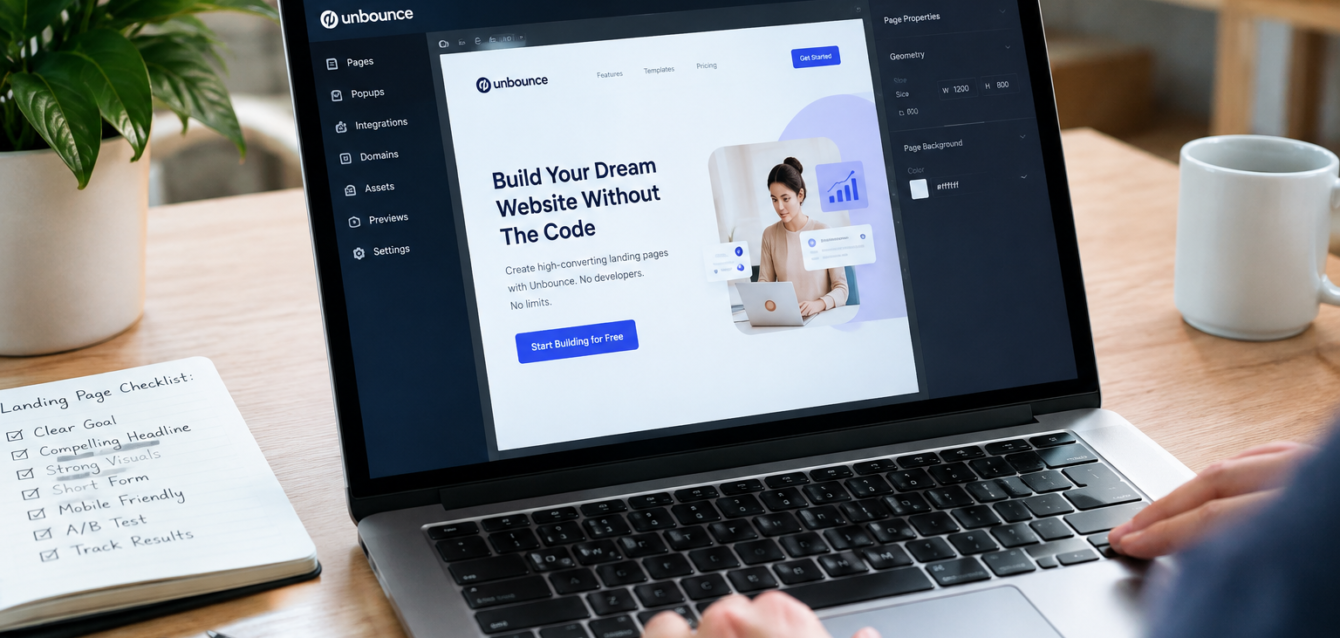
Unbounce is a landing page builder made for marketers. It uses a drag-and-drop editor, so you can add text, images, and forms without writing code. It also offers templates, A/B testing, dynamic text replacement, and integrations with tools like email platforms and WordPress. In short, it lets you launch and test pages quickly, without waiting on a developer.
Why Use Unbounce for Landing Pages?
• Speed: Launch campaign pages in days, not weeks.
• Testing built in: Split traffic between versions and see which one wins.
• Message match: Dynamic text replacement can change page text to match what a visitor searched for.
• Flexibility: Connect forms to your CRM or email tools.
• Customization: When templates aren’t enough, custom code options let you go further.
These make Unbounce a strong fit for Unbounce landing pages for lead generation and for Unbounce landing pages for PPC campaigns, where every click costs money.
How to Build a Landing Page in Unbounce: 7 Steps
Knowing how to build a landing page in Unbounce starts before you open the editor.
1. Define one goal
Pick a single action: book a call, download a guide, or start a trial. One page, one goal.
2. Wireframe first
Sketch the order of sections on paper or in Figma: headline, benefit, proof, form, repeat CTA. Good structure beats good decoration.
3. Write a benefit-led headline
Tell visitors what they gain, in plain words. Match it to the ad that brought them.
4. Design a clear visual hierarchy
Use your brand colors, generous spacing, and one dominant button. Don’t let templates push you into clutter. Good Unbounce landing page design is about priorities, not decoration.
5. Keep the form short
Ask only for what you need now. Fewer fields usually mean more submissions.
6. Check mobile carefully
Preview on real phones. Buttons should be easy to tap, text easy to read, and forms easy to finish.
7. Connect and track
Link your form to email or CRM, and set up conversion tracking before launch so you can measure results.
Unbounce Landing Page Best Practices
Follow these Unbounce landing page best practices on every page:
• Remove main site navigation so visitors stay focused
• Put the headline, supporting line, and CTA above the fold
• Add social proof near the form, such as testimonials or client logos
• Use real images, not generic stock when possible
• Keep load time fast by compressing images
• Repeat the CTA after major sections
Unbounce A/B Testing Tips
Testing is where results compound. These Unbounce A/B testing tips help you learn faster:
1. Test one change at a time, such as headline, CTA text, or form length
2. Let tests run long enough to collect meaningful data
3. Test big ideas first, like the offer or page layout, before small ones like button color
4. Write down results so your team builds on what works
Should You Hire an Unbounce Designer?
If you’re short on time, or your pages aren’t converting, it’s worth it to hire an Unbounce designer. Unbounce landing page design services cover strategy, design, build, and Unbounce landing page optimization in one flow, so you don’t lose weeks to trial and error.
At The Dreamer Designs, our Unbounce landing page service covers design, build, and testing, and our wider landing page design team can shape the full funnel. We turn approved Figma designs into live pages, run CRO to find what’s holding conversions back, and build matching websites so your brand feels consistent from ad to checkout.
FAQs
Is Unbounce good for beginners?
Yes. The drag-and-drop editor and templates make it approachable, even without coding skills.
Can I use custom code in Unbounce?
Yes. Custom code options let you extend pages beyond templates, which is useful for advanced design and tracking needs.
How long does it take to launch an Unbounce page?
A simple page can go live in days. Custom designs with testing plans take longer.
Final Thoughts
The platform doesn’t convert visitors; the page does. Pick one goal, match your message, keep forms short, and test constantly. Do that, and Unbounce landing pages become one of the fastest ways to grow leads and sales.
Ready for Unbounce Pages That Convert?
At The Dreamer Designs, we design and build high-converting Unbounce landing pages for brands worldwide. Trusted by 300+ brands.
Start your Unbounce project with The Dreamer Designs