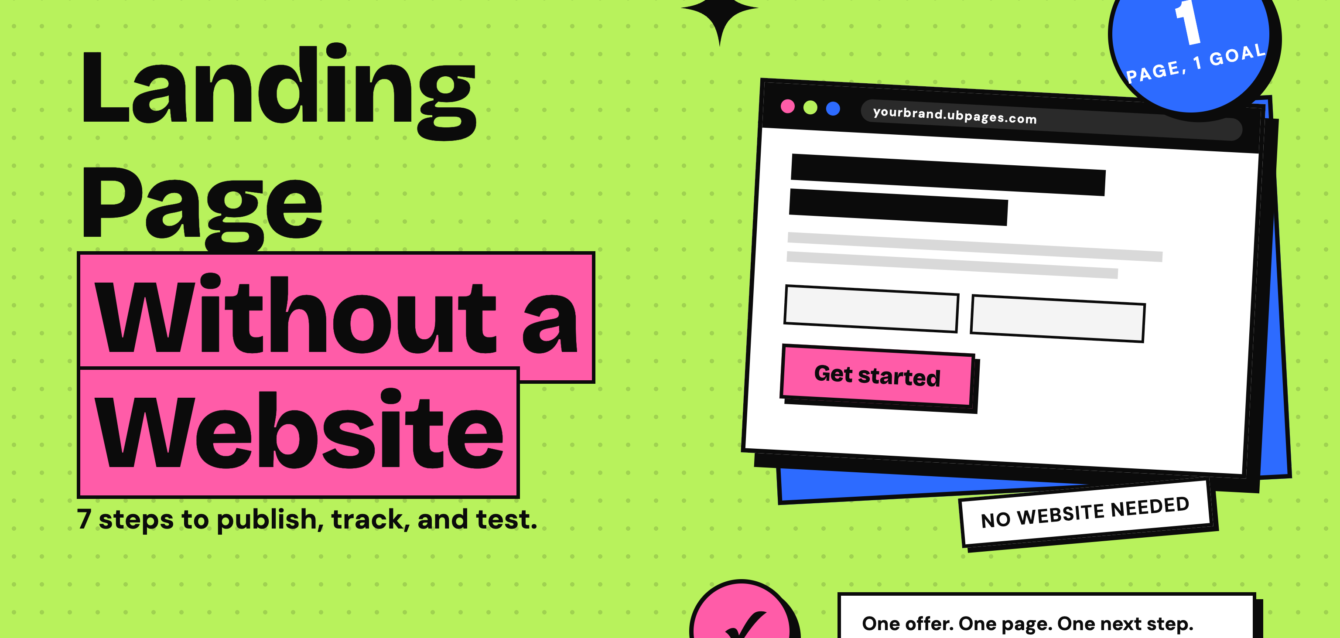
How to Create a Landing Page Without a Website | Unbounce and The Dreamer Designs
Unbounce is an excellent tool for creating high-converting landing pages without needing a website or a dedicated development team. Whether you’re launching a new product, collecting leads, promoting a service, or building a waitlist, you can create and publish a landing page independently.
In this guide, we’ll explain how to create a landing page without a website using Unbounce and how The Dreamer Designs can help you turn that page into a conversion-focused marketing asset.
Last Updated: November 11, 2026
Quick Answer: Can You Create a Landing Page Without a Website?
Yes! You can create a landing page without having an existing website. Landing page builders like Unbounce allow you to design, host, and publish standalone landing pages without requiring a CMS, website, or developer.
All you need to do is:
-
Choose one specific campaign goal.
-
Select a landing page template.
-
Customize the content, images, and design.
-
Add a lead generation form or call-to-action button.
-
Publish your page using an Unbounce URL or your own custom domain.
Once published, you can share the landing page through Google Ads, social media, email campaigns, and other marketing channels.
Can You Have a Landing Page Without a Website?
Absolutely! A landing page doesn’t necessarily need to be connected to a full website.
According to Unbounce, a landing page is designed around a specific marketing campaign and usually focuses on one primary call to action.
Unlike traditional websites, which contain multiple pages and navigation options, landing pages are built to encourage visitors to take one particular action.
For example, you can create a standalone landing page to:
-
Collect customer enquiries.
-
Promote a new product or service.
-
Generate leads for your business.
-
Build an early-access waitlist.
-
Promote an upcoming event.
-
Offer a free ebook or downloadable resource.
You can simply direct visitors from your advertisements, emails, or social media posts to your landing page without needing a complete website.
Do You Need a Domain for a Landing Page?
No, you don’t necessarily need to purchase a domain before publishing your landing page.
Unbounce allows users to publish landing pages using its default hosting domain, including a URL on its ubpages.com domain.
According to Unbounce, pages published on its platform can use SSL security and are indexable by search engines.
However, if you want to establish stronger brand recognition and create a more professional experience, you can connect your own custom domain or subdomain.
For example:
-
offers.yourbrand.com
-
campaign.yourbrand.com
This allows you to run independent marketing campaigns without building or modifying your main website.
How to Create a Landing Page Without a Website: 7 Easy Steps
Creating a landing page without a website is easier than you might think. With a platform like Unbounce, you can build and publish a landing page without writing a single line of code.
Here are seven essential steps to get started.
1. Choose One Clear Goal
Before designing your landing page, decide what you want visitors to do.Are you trying to generate leads, book consultations, promote a product, or collect email subscriptions?Your landing page should focus on one primary objective.
For example:
-
Book a free consultation.
-
Sign up for early access.
-
Download a free guide.
-
Get a product quotation.
Remember: One landing page, one goal. Avoid adding too many competing offers or calls to action.
2. Choose a Landing Page Builder
The next step is selecting a platform that allows you to create and host your landing page independently.
Unbounce is a popular option because it provides a drag-and-drop editor that makes landing page creation easier, even for people without technical experience.
You can customize layouts, add forms, edit content, and build campaign-specific pages without needing a developer.
3. Start With a Landing Page Template
You don’t always need to design everything from scratch.
Unbounce offers a range of landing page templates that you can customize according to your campaign requirements.
Choose a template that matches your objective and make adjustments to:
-
Headline and supporting content.
-
Images and visual elements.
-
Brand colours and typography.
-
Call-to-action buttons.
-
Lead generation forms.
A clean and professional layout helps visitors understand your offer without unnecessary distractions.
4. Write a Benefit-Driven Headline
Your headline is one of the first things visitors notice when they arrive on your landing page.
Instead of simply describing your product or service, communicate the value customers will receive.
For example:
Instead of: “Our Digital Marketing Services”
Try: “Grow Your Business With Marketing Strategies That Deliver Results.”
Your headline should be clear, relevant, and focused on the visitor’s needs.
Support it with concise content, customer testimonials, trust signals, and relevant visuals to build credibility.
5. Add a Simple Lead Generation Form
If your objective is lead generation, your landing page needs a form that makes it easy for visitors to contact you.
Avoid asking for too much information at the beginning.
In most cases, you can start with:
-
Name
-
Email address
-
Phone number (if required)
Make sure your form has a clear call to action, such as “Get Started,” “Book a Consultation,” or “Request a Free Quote.”
The easier you make the process, the more likely visitors are to complete it.
6. Make Your Landing Page Mobile-Friendly
A large percentage of visitors access landing pages through smartphones.
Therefore, your landing page should provide a smooth experience across different screen sizes.
Before publishing, check that:
-
Headlines are easy to read.
-
Images adjust properly to mobile screens.
-
Buttons are easy to tap.
-
Forms are simple to complete.
-
Page content loads smoothly.
Always preview your landing page on an actual mobile device before launching your campaign.
Final Thoughts
You don’t need a website to start collecting leads. You need one offer, one page, and a clear next step. Build your landing page with Unbounce, test different elements, track performance, and continuously improve your results. A well-planned landing page can help you turn visitors into potential customers without investing in a complete website. When you’re ready to take your landing page performance to the next level, The Dreamer Designs is here to help.
Ready to Launch Your Landing Page?
At The Dreamer Designs, we design and develop high-converting Unbounce landing pages for brands worldwide. Trusted by 300+ brands, we combine creative design, strategic thinking, and conversion-focused development to create landing pages that deliver better digital experiences.
Whether you need a new landing page, Figma-to-Unbounce development, or conversion rate optimization, our team can help.
Start Your Unbounce Project With The Dreamer Designs
Sources and Further Reading
Explore these trusted resources to learn more about landing page design, SEO, and conversion optimization.
1. Unbounce – How to Create a Landing Page Without a Website
https://unbounce.com/?p=141051
2. Unbounce – How to Create a Landing Page in 10 Easy Steps
https://unbounce.com/how-to-create-a-landing-page/
3. Unbounce – What Is a Landing Page?
https://unbounce.com/landing-page-articles/what-is-a-landing-page/
4. Google – Four Ways to Optimize Your Landing Pages for Conversions