
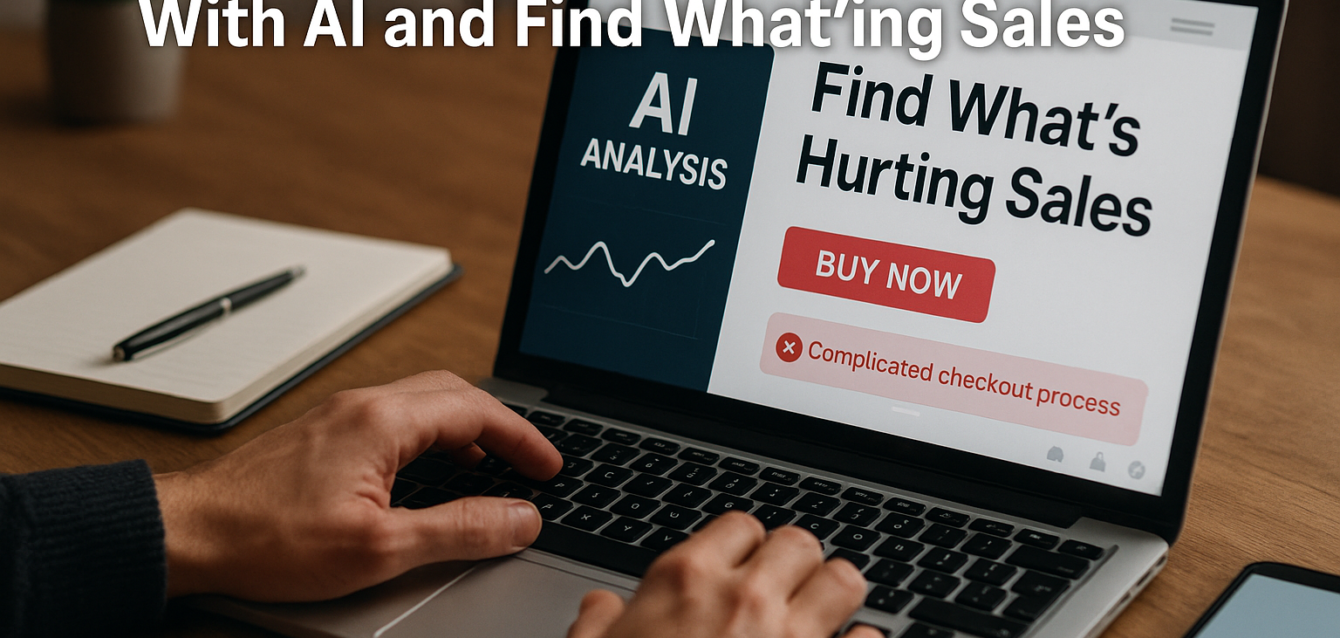
How to Analyze Your Website With AI and Find What’s Hurting Sales
Your website may look great, load properly, and attract thousands of visitors every month and still fail to generate enough sales.When that happens, businesses often assume they have a traffic problem.
They increase Google Ads budgets, publish more content, invest in SEO, or launch another social media campaign.
But sometimes, traffic isn’t the real problem.
The problem is what happens after visitors reach your website.
An unclear headline, weak call to action, confusing navigation, lack of trust signals, poor mobile experience, or complicated checkout process can quietly push potential customers away.
Traditionally, finding these problems required manually reviewing analytics, heatmaps, user recordings, surveys, and individual pages.
Today, AI can make the first stage of website analysis significantly faster.
AI-powered CRO tools can review website content and structure, identify likely conversion problems, and prioritize areas worth investigating. Current AI audit tools commonly evaluate areas such as headline clarity, CTAs, trust signals, mobile usability, conversion flow, copy, and first impressions.
Here’s how to use AI to understand what’s hurting your website’s sales and what to do about it.
1. Start With the Question That Actually Matters
Before opening another analytics dashboard, ask:
What do I want visitors to do on this page?
For an ecommerce store, that might be purchasing a product.
For a SaaS company, it could be starting a free trial.
For a service business, it might be booking a consultation.
For a landing page, it could be submitting a lead-generation form.
Conversion Rate Optimization (CRO) is ultimately about increasing the percentage of visitors who complete these desired actions. Improving conversion efficiency can help businesses generate more value from traffic they already have rather than relying entirely on additional acquisition.Once the primary conversion goal is clear, AI can help analyze what might be preventing visitors from reaching it.
2. Let AI Analyze Your First Impression
Visitors shouldn’t have to study your website to understand what you do.
Your above-the-fold section should quickly communicate:
What do you offer?
Who is it for?
Why should someone care?
What should they do next?
This sounds simple, but it’s one of the most common areas where websites struggle.
AI can review your headline, supporting copy, CTA, and overall content hierarchy and identify whether your value proposition appears too vague.
For example:
“Transforming Businesses Through Innovative Solutions”
might sound professional, but it tells visitors very little.
Compare it with:
“Automate repetitive accounting tasks and save your finance team 10+ hours every week.”
Now the audience, solution, and benefit are much easier to understand.
AI is particularly useful for identifying vague messaging and generating clearer alternatives.
3. Analyze Your Calls to Action
Your CTA is where interest becomes action.
Yet many websites still rely heavily on generic buttons:
Learn More
Submit
Click Here
Get Started
These aren’t necessarily wrong, but they don’t always communicate what visitors receive after clicking.
AI can analyze your CTAs in relation to the surrounding content and suggest more specific alternatives.
For example:
Instead of “Submit”, try “Get My Free Audit.”
Instead of “Learn More”, try “See How It Works.”
Instead of “Contact Us”, test “Discuss My Project.”
Specific CTAs can reduce uncertainty because visitors understand what happens next.
AI-powered CRO audits increasingly include CTA effectiveness as a core evaluation area, alongside conversion flow and trust signals.
4. Look for Missing Trust Signals
Imagine visiting a company you’ve never heard of.
Would you immediately enter your credit card information?
Probably not.
Before people buy, enquire, subscribe, or book a call, they need reasons to trust you.
AI can help identify whether important trust elements are missing or positioned too far away from key decision points.
Depending on your business, these might include:
Customer testimonials
Ratings and reviews
Client logos
Case studies
Certifications
Guarantees
Security indicators
Return policies
Payment options
Real company information
The important question isn’t simply whether these elements exist.
It’s where they appear.
A fantastic testimonial hidden near the footer won’t help someone who leaves after seeing the first screen.
Trust should appear close to the moments where visitors are being asked to make decisions.
5. Use AI to Identify Friction
Every unnecessary step between interest and purchase creates friction.
A customer may want your product and still abandon the process because buying it feels like too much work.
AI-assisted analysis can help identify potential friction such as:
Long forms
Do you really need company size, phone number, job title, address, industry, revenue, and 10 other details before someone can speak with you?
Complicated navigation
Can visitors easily find the product, pricing, service, or information they’re looking for?
Too many CTAs
If every section asks visitors to do something different, the page may create confusion rather than action.
Unclear next steps
After someone clicks, do they know what happens?
Poor checkout flow
Every unnecessary field, screen, or decision creates another opportunity for abandonment.
The objective is simple:
Make taking the next step easier than leaving.
6. Analyze Your Website on Mobile
Never assume that a website working well on desktop means it works equally well on mobile.
AI website analysis can help flag potential mobile problems, but you should also manually experience the website yourself.
Pick up your phone.
Open your homepage.
Try navigating.
Complete the form.
Add something to the cart.
Attempt checkout.
Read the text.
Click the CTA.
Ask yourself:
Would I actually enjoy buying from this website?
Look for oversized popups, tiny text, awkward spacing, buttons that are difficult to tap, slow-loading visuals, layout shifts, and important CTAs appearing too far down the page.
AI can identify patterns, but experiencing your own customer journey remains incredibly valuable.
7. Use AI to Improve Product and Service Copy
A common mistake is writing website copy around the company rather than the customer.
“We are an innovative organization providing industry-leading solutions…”
Your customer is probably thinking:
“Okay. But what does this do for me?”
AI can analyze copy and help rewrite feature-focused language into benefit-focused messaging.
For example:
Feature: AI-powered reporting dashboard.
Benefit: See your most important business metrics without manually building reports every week.
Both pieces of information matter, but the second explains why the feature is valuable.
Ask AI to identify sections that focus too heavily on the company, technical features, or industry jargon and suggest customer-focused alternatives.
8. Compare AI
Recommendations With Actual User Behavior This step is critical.
AI recommendations are hypotheses, not facts.
An AI tool might predict that your CTA is unclear.
Analytics can show whether visitors actually click it.
AI might suggest your page hierarchy is confusing.
Heatmaps and session recordings can show where users actually spend their attention.
AI might flag form friction.
Your funnel data can reveal where users abandon the form.
This is why AI works best when combined with real behavioral information.
AI CRO tools themselves acknowledge this limitation: automated analysis can identify likely first-pass problems, but it doesn’t replace user research, A/B testing, or behavioral data.
Use AI to determine where to investigate.
Use data to determine whether the hypothesis is correct.
9. Prioritize Problems Instead of Fixing Everything
An AI audit might identify 20 potential improvements.
Don’t immediately implement all 20.
Rank them.
A simple framework is:
Impact × Confidence ÷ Effort
Imagine AI identifies three problems:
Problem A: Hero headline is unclear.
High impact, high confidence, low effort.
Problem B: Entire website color palette could be updated.
Low conversion confidence, high effort.
Problem C: Checkout requires unnecessary information.
High impact, high confidence, medium effort.
Problems A and C should probably receive attention before B.
The objective of AI analysis isn’t to generate the longest possible list of problems.
It’s to identify the few changes most likely to improve results.
10. Test Before Declaring Victory
You changed the headline.
Great.
But did sales improve?
You shortened the form.
Did completion rates increase?
You added testimonials.
Did more people click the CTA?
This is where CRO becomes a continuous process rather than a one-time website redesign.
The workflow should look something like:
Analyze → Identify → Prioritize → Change → Test → Measure → Repeat
AI dramatically speeds up the first few stages.
Human judgment and actual performance data determine whether the changes worked.
AI Can Find Problems. Humans Still Need to Make Decisions.
AI makes website analysis more accessible.
A business owner can now get useful first-pass feedback on messaging, CTAs, trust signals, UX, and conversion flow without manually examining every element.
But AI shouldn’t become another source of blind recommendations.
Don’t change something simply because an AI tool says it’s wrong.
Understand the reasoning.
Compare it against customer behavior.
Create a hypothesis.
Test the change.
Measure the outcome.
Then make a decision.
That’s where AI becomes genuinely useful.
It isn’t replacing CRO strategy.
It’s helping businesses find potential problems faster.
Stop Buying More Traffic Before Fixing the Leaks
If your website isn’t generating enough sales, your first instinct may be to attract more visitors.
Sometimes that’s exactly what you need.
But before increasing your advertising budget, analyze what your existing visitors experience.
Is the offer clear?
Can they understand the value immediately?
Do they trust you?
Is the CTA obvious?
Is mobile easy to use?
Is the buying process simple?
Are you answering their biggest objections?
AI can help answer these questions much faster than before.
And once you’ve identified the biggest conversion leaks, you can focus your time and budget where they actually matter.
Because the goal isn’t simply to bring more people to your website.
It’s to make more of those visitors want to become customers.
#AIwebsiteanalysis #AIwebsiteaudit #AIconversionoptimization #websiteconversionrateoptimization #AICROtools #websitesalesoptimization #conversionrateoptimization #AImarketingtools #landingpageanalysis #websiteUXaudit #AIlandingpageoptimization #websiteconversionaudit #customerjourneyoptimization #AI-poweredCRO #websiteperformanceanalysis