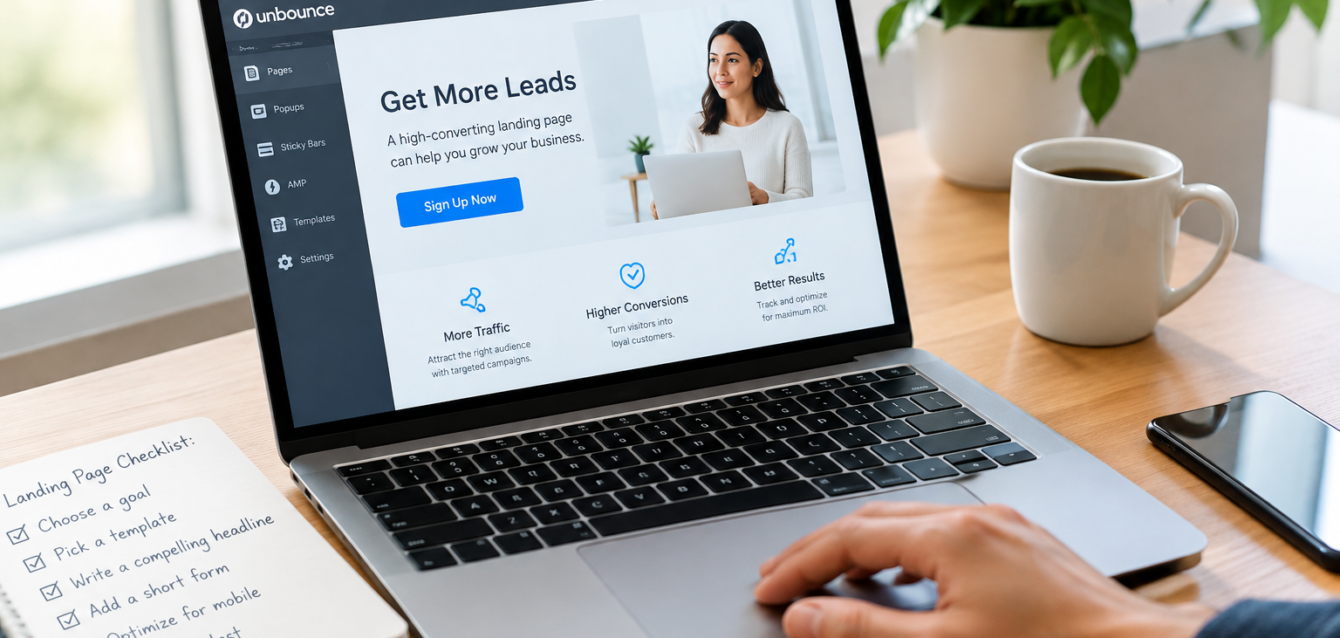
How to create a landing page without a website | Unbounce and The Dreamer Designs
Unbounce is the perfect tool if you want to quickly throw together a high-converting landing page and don’t have a team of developers at your disposal. This guide shows how to create a landing page without a website using Unbounce, and where The Dreamer Designs can help you get better results.
Last updated: November 5, 2026
Quick Answer: Can You Create a Landing Page Without a Website?
Yes. A landing page builder like Unbounce hosts your page for you, so you can publish a landing page without a website, a CMS, or a developer. Pick one goal, build the page from a template, publish it on the default Unbounce domain or your own, and connect a form to collect leads.
Can You Have a Landing Page Without a Website?
Yes. Unbounce describes a landing page as a campaign-specific page with a single call to action and no website navigation. That means it can stand alone. You point your ads, emails, and social posts straight to it and let it do the job. It’s ideal for short campaigns, product launches, and a waitlist landing page before your site exists.
Do You Need a Domain for a Landing Page?
Not at first. If you haven’t set up a custom domain, Unbounce generates one for you on its ubpages.com domain. According to Unbounce, pages there are SSL-secure and indexable. When you’re ready, you can connect your own Unbounce custom domain or a subdomain, such as offers.yourbrand.com, and run campaigns without touching a main site.
How to Create a Landing Page Without a Website: 7 Steps
1. Choose one goal
Pick a single action, like booking a call, joining a waitlist, or downloading a guide. One page, one goal.
2. Pick a landing page builder
Choose a builder that hosts your page. Unbounce’s drag-and-drop editor lets you create a landing page without coding.
3. Start from a template
Unbounce landing page templates save time. Choose the one closest to your goal, then adapt the layout.
4. Write a benefit-led headline
State what visitors gain in plain words. Keep supporting copy short, and add proof such as testimonials or client logos.
5. Add a short form
For a landing page for lead generation, keep lead capture simple and ask only for what you need now. Name and email is often enough to start.
6. Make it mobile-friendly
Preview on a real phone. Buttons should be easy to tap and forms easy to finish.
7. Publish, track, and test
Publish on a ubpages.com URL or your own domain. Connect tracking and run A/B tests to learn what works.
How to Track a Landing Page Without a Website
You can track a landing page without a website using built-in analytics and conversion tracking, plus tools like Google Analytics. Set conversion goals before launch, and use A/B testing to compare headlines, offers, and forms one change at a time.
Landing Page vs Website: Which Do You Need?
A standalone landing page is enough when you run one campaign, collect leads for one offer, or test an idea fast. You need a full website when customers must learn about many services, read your story, or find you in search over time. Many brands start with a landing page for small business campaigns, then grow into a site.
Why Work With The Dreamer Designs?
Unbounce makes building easy. Making the page convert takes strategy. At The Dreamer Designs, our Unbounce landing page service covers design, build, and testing. Our landing page design team shapes the full funnel, we turn approved Figma designs into live pages, and our CRO work finds what’s holding conversions back. Need a brand to match? See our logo and branding, and when you’re ready for more, our website design. If you’d rather hire an Unbounce expert than learn by trial and error, we can help.
FAQs
Can I create a landing page without a website?
Yes. Builders like Unbounce host the page, so you can publish it without an existing site. Use their default domain or connect your own.
Do I need a domain to publish a landing page?
No. Unbounce can publish on its ubpages.com domain if you don’t have one. A custom domain looks more professional when you’re ready.
How do I create a landing page without coding?
Use a drag-and-drop builder. Choose a template, edit the text and images, add a form, and publish.
Can a landing page rank on Google?
It can. Unbounce says pages on its domain are indexable. Rankings depend on content, links, and competition, so write a clear, useful page.
How long does it take to build one?
A simple page can go live in a day. Custom designs, copy, and testing plans take longer.
Should I hire an expert?
If you’re short on time, or your page isn’t converting, an expert can speed things up and avoid costly mistakes.
Final Thoughts
You don’t need a website to start collecting leads. You need one offer, one page, and a clear next step. Build it in Unbounce, test it, and improve it. When you want results faster, we’re here to help.
Ready to Launch Your Landing Page?
At The Dreamer Designs, we design and build high-converting Unbounce landing pages for brands worldwide. Trusted by 300+ brands.
Start your Unbounce project with The Dreamer Designs
Sources and Further Reading
• Unbounce: How to create a landing page without a website
• Unbounce: How to create a landing page in 10 easy steps
• Unbounce: What is a landing page?
• GrowForm: 10 great landing page examples that convert