What Are the Biggest Web Design Trends for 2027?
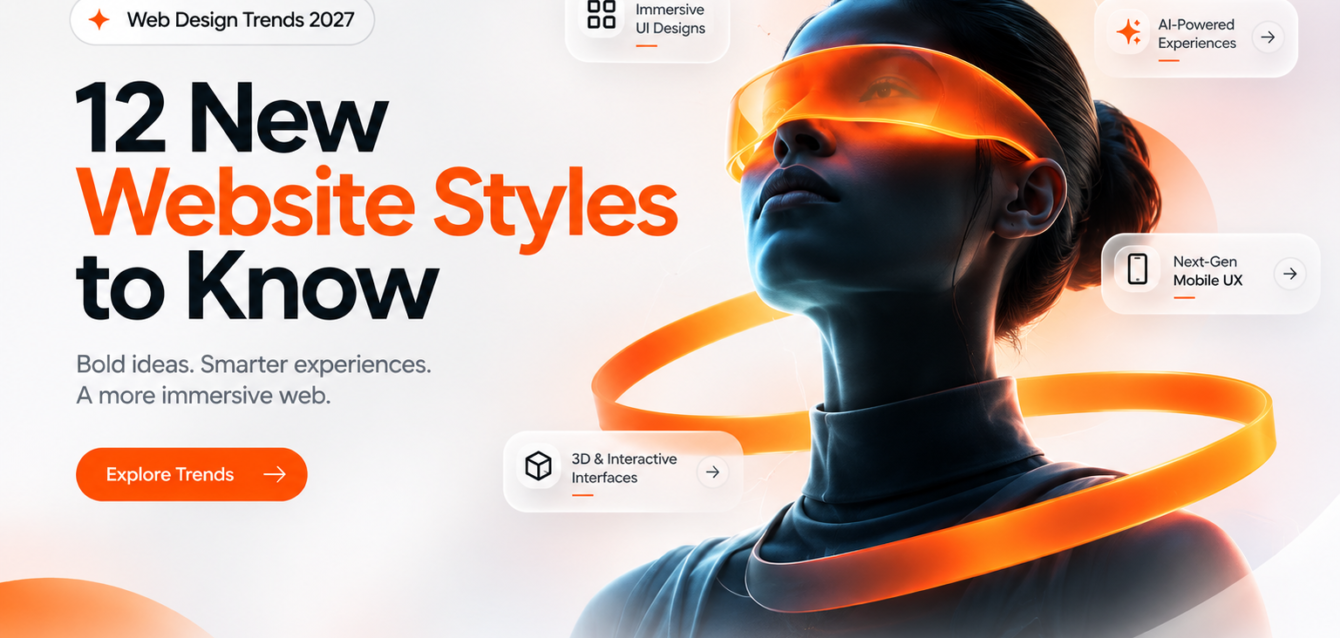
The biggest web design trends for 2027 are accessibility-first design, performance-shaped visuals, native motion, container-aware components, bold variable typography, richer color with real dark mode, bento layouts, light 3D elements, native overlays, art-directed AI imagery, textured human touches, and plain-language, answer-first content. Together they point to one idea: the best 2027 websites look expressive but load fast, work for everyone, and answer questions quickly.
This guide explains all 12 styles, why each is growing, and how to use it without hurting speed or usability. Most of these trends build on browser features and standards that already exist, so you can adopt them gradually instead of rebuilding your whole site.
Why Website Styles Are Changing in 2027
Three forces are reshaping websites. First, AI cuts both ways: one 2027 outlook notes that AI tools build sites faster while AI search sends fewer visitors, so every visit has to count. Second, browsers now handle motion, layout and overlays natively, which makes advanced design cheaper to build. Third, accessibility rules are tightening, so inclusive design is becoming a baseline. Keep in mind that many 2027 predictions are forecasts rather than facts, so test ideas before betting on them.
12 Web Design Trends and Website Styles for 2027
1. Accessibility-first design
The most important trend is not a look at all. Lovart’s 2027 trend research argues that accessibility should be a constraint from the first wireframe, not a checklist at the end. WebFX goes further and lists cognitive-inclusive, neurodiverse-friendly design as a 2027 trend.
How to use it: design clear focus states, make buttons and links easy to tap, keep contrast strong, and test with a keyboard and at high zoom. The WCAG 2.2 guidelines added criteria on minimum target size and on focused elements not being hidden by sticky headers or banners.
2. Performance-first visuals
Big, beautiful pages still win, but they are now designed around loading speed. Google replaced First Input Delay with Interaction to Next Paint (INP) as a Core Web Vital in March 2024, which means slow menus, filters and tabs now hurt your score (web.dev).
How to use it: set a performance budget for your hero image, fonts and animation, serve modern image formats, and let buttons respond instantly. For multi-page sites, the Speculation Rules API can prerender likely next pages so navigation feels instant.
3. Native motion and smooth transitions
Motion is moving from heavy JavaScript libraries into the browser. The View Transition API and CSS scroll-driven animations let you animate between views and tie effects to scrolling with less code.
How to use it: use motion to explain change, such as a card expanding into a product page. Keep durations short, and always offer a calmer option for visitors who have enabled reduced motion.
4. Container-aware components
Responsive design is shifting from page-wide breakpoints to components that adapt to the space they sit in. Container queries and the :has() selector let a card look right in a sidebar, a grid or a carousel without extra variants.
How to use it: design key components at narrow, medium and wide container sizes, and keep page-level breakpoints for navigation and overall layout.
5. Bold, expressive variable typography
Oversized, experimental type keeps growing. Hostinger’s trend guide says bold, oversized fonts are dominating, and Network Solutions lists kinetic typography. Variable fonts pack many weights and widths into one file, and text-wrap: balance keeps big headlines tidy.
How to use it: pick one strong display style, keep body text calm and readable, and subset font files to protect speed.
6. Richer color and a real dark mode
Figma points to bright, saturated palettes and “dopamine design,” while WebFX expects dark mode to become a standard feature. Modern CSS supports perceptual color spaces such as OKLCH, which make accessible tints and shades easier to build.
How to use it: design dark mode as its own theme rather than an inverted copy, test contrast in both, and never rely on color alone to carry meaning.
7. Bento layouts
Bento grids present several benefits in tiles of different sizes, like a lunchbox. They are popular for feature sections and portfolios.
How to use it: start from your content and decide which item deserves the biggest tile. Keep the mobile order logical, and make sure the visual order matches the order screen-reader users hear. Skip bento when you have one main message.
8. Light 3D and immersive elements
Figma lists 3D and immersive elements as a top trend, Network Solutions mentions interactive 3D, and IONOS describes immersive effects that give pages a tangible, almost plastic look.
How to use it: use 3D where it explains or delights, such as a product viewer or hero object, and keep files light. Provide static fallbacks, and avoid putting heavy 3D on checkout or pricing pages.
9. Native dialogs and popovers
Common overlays now have built-in HTML support. The dialog element and the Popover API handle focus and dismissal with less custom code.
How to use it: use modals only for decisions that block a task, use popovers for menus and short explanations, and avoid marketing interruptions.
10. Art-directed AI imagery
AI makes images cheap to produce, so the winning sites are the ones with a clear visual direction. Fueler’s outlook also points to AI-assisted site building and more attention to designing for AI search.
How to use it: write a short style guide first, generate the right crops from the start, review all images together for consistency, keep text in real HTML rather than in images, and write useful alt text. Avoid generated images for team photos and customer stories.
11. Texture, imperfection and human marks
As polished, generated interfaces multiply, brands add grain, hand-drawn marks and collage-style layouts to stand out. Network Solutions lists human-made and “anti-design” aesthetics, and Webflow highlights proprietary, ownable effects and styles.
How to use it: use texture as a light layer on brand pages, keep text readable, and keep product pages and dashboards clean.
12. Plain-language, answer-first content
Design and writing are merging. Pages that state the answer first, use descriptive headings and keep forms short are easier for people and for AI tools to use and cite. This matches the advice in our guide on how to appear in Google AI Overviews.
How to use it: lead each section with the key point, add a short FAQ, and write headings that describe the content instead of clever slogans.
Quick Comparison: Which Trends Fit Which Website?
|
Website type |
Prioritize |
Use sparingly |
|---|---|---|
|
SaaS and product sites |
Accessibility, performance, plain language, bento |
Heavy texture |
|
Ecommerce |
Performance, accessibility, container-aware cards |
Decorative 3D on checkout |
|
Blogs and publishers |
Variable type, plain language, instant navigation |
Heavy motion |
|
Portfolios and agencies |
Bold type, 3D, texture, art-directed imagery |
Slow, heavy effects |
|
Local businesses |
Accessibility, speed, clear headings |
Most expressive trends |
Trends to Be Careful With
- Scroll-jacking: taking over the scroll often frustrates visitors.
- Heavy glass effects: they can reduce contrast and readability.
- Long intro animations: they delay the moment users can act.
- Decorative 3D everywhere: it adds weight and complexity to ordinary pages.
How to Adopt the 2027 Trends Step by Step
- Fix the foundations first: accessibility, Core Web Vitals and design tokens for focus, motion and type.
- Upgrade your design system: container-aware components, a better color system with dark mode, and native overlays.
- Improve the experience: add purposeful motion and faster navigation.
- Add brand expression last: 3D, texture, bold typography and art-directed imagery, tested on a prototype before launch.
Frequently Asked Questions
What are the main web design trends for 2027?
The main trends are accessibility-first design, performance-shaped visuals, native motion, container-aware components, bold variable typography, richer color with dark mode, bento layouts, light 3D, native overlays, art-directed AI imagery, texture and human marks, and plain-language content.
Is 3D web design still worth using in 2027?
Yes, in moderation. It works well for hero objects and product views, but it should stay lightweight, have a static fallback, and stay off conversion-critical pages like checkout.
Do I need a full redesign to follow these trends?
No. Many trends can be added gradually through your design system, such as better focus styles, typography tokens, dark mode and native overlays.
Which trend should I start with?
Start with accessibility and performance. They improve the experience for every visitor and make every later trend cheaper to add.
Is dark mode necessary for a website?
It is increasingly expected. If you offer it, design it as its own theme and test contrast, rather than inverting your light theme.
How do web design trends affect SEO?
Fast, accessible, clearly structured pages tend to perform better in search and are easier for AI tools to understand and cite. Heavy visual effects that slow the page can hurt.
How often should I redesign my website?
There is no fixed rule. Review your site every year, update the foundations continuously, and plan a larger redesign when your brand, goals or platform change.
Are these trends confirmed?
Many rely on features already available in browsers and published standards, but several 2027 points in industry guides are forecasts. Test any trend with real users before committing.
Conclusion
The web design trends for 2027 reward websites that are bold and useful at the same time. Start with accessibility and speed, then layer in expressive styles like 3D, bold type and bento layouts where they help visitors. Prototype first, measure the results, and keep what works.
Ready for a 2027-Style Website?
Talk to The Dreamer Designs
Want a modern, fast and eye-catching website built around these trends? The Dreamer Designs can help you plan and design a site that looks current, loads quickly and turns visitors into customers. Start your project with The Dreamer Designs today.